Bible Reading Tracker: Simple Ways to Track Your Progress
A Bible reading tracker is any simple record of what you have read: a checked-off day in a reading plan, a grid of chapters, or a list of the Bible's books. Choose the one that matches how you read, mark it right after each reading, and treat any gap as a place to begin again, not a score.
A visible record answers a quiet question at the start of each reading: where do I pick up? It also shows how far you have come.
This guide covers three ways to track, a printable book checklist, paper, spreadsheet and app formats, plans that track for you, and what to do with gaps.

Why Track Your Bible Reading?
A tracker does two small jobs: it tells you where to pick up today, and it shows how far you have come. For wider habit basics, see how to start daily Bible reading.
In a 12-week study, 96 volunteers each repeated one eating, drinking or activity behavior daily (Lally and colleagues, European Journal of Social Psychology, 2010). Among participants whose data fit the researchers' model, the estimated time to reach 95 percent of their maximum automaticity ranged from 18 to 254 days. Missing one opportunity did not materially affect habit formation.
The study was not about Bible reading, so treat it as a general picture, not a promise.
That is the core idea here: a tracker is a map, not a scorecard. It shows where you are and what comes next, never a grade. Many readers find that seeing the next step matters more than a perfect record.
Three Ways to Track: By Day, by Chapter or by Book
Each method marks a different unit, so each suits a different reader.
Track by Day
You follow a plan and check off Day 1, Day 2 and so on. It suits readers who like to be told what comes next.
Tip: track by day number, not by calendar date, so a missed Tuesday leaves no hole on the page. For a full year, see this one-year Bible plan guide, or compare plan lengths.
Track by Chapter
You mark chapters as you read them, in any order: 1,189 in the Protestant Bible (929 Old Testament, 260 New Testament). It suits readers who move between books or read more on some days. See how many chapters are in the Bible for the full breakdown.
Track by Book
You mark each of the 66 books of the Protestant Bible as you finish it (Catholic and Orthodox Bibles include additional books). It is the lightest record, and it works at any pace.
Many printable books of the Bible trackers draw the 66 books as spines on a bookshelf to color in; the checklist below is the plain-table version.
| Method | What you mark | Best for | Watch out for |
|---|---|---|---|
| By day | Each day of a plan | Readers who want the next step decided | Dates make missed days look louder than they are |
| By chapter | Each of 1,189 chapters | Flexible order and pace | Many boxes; can feel slow at first |
| By book | Each of 66 books | Light tracking, any pace | Long books (Psalms has 150 chapters) show no progress for weeks |
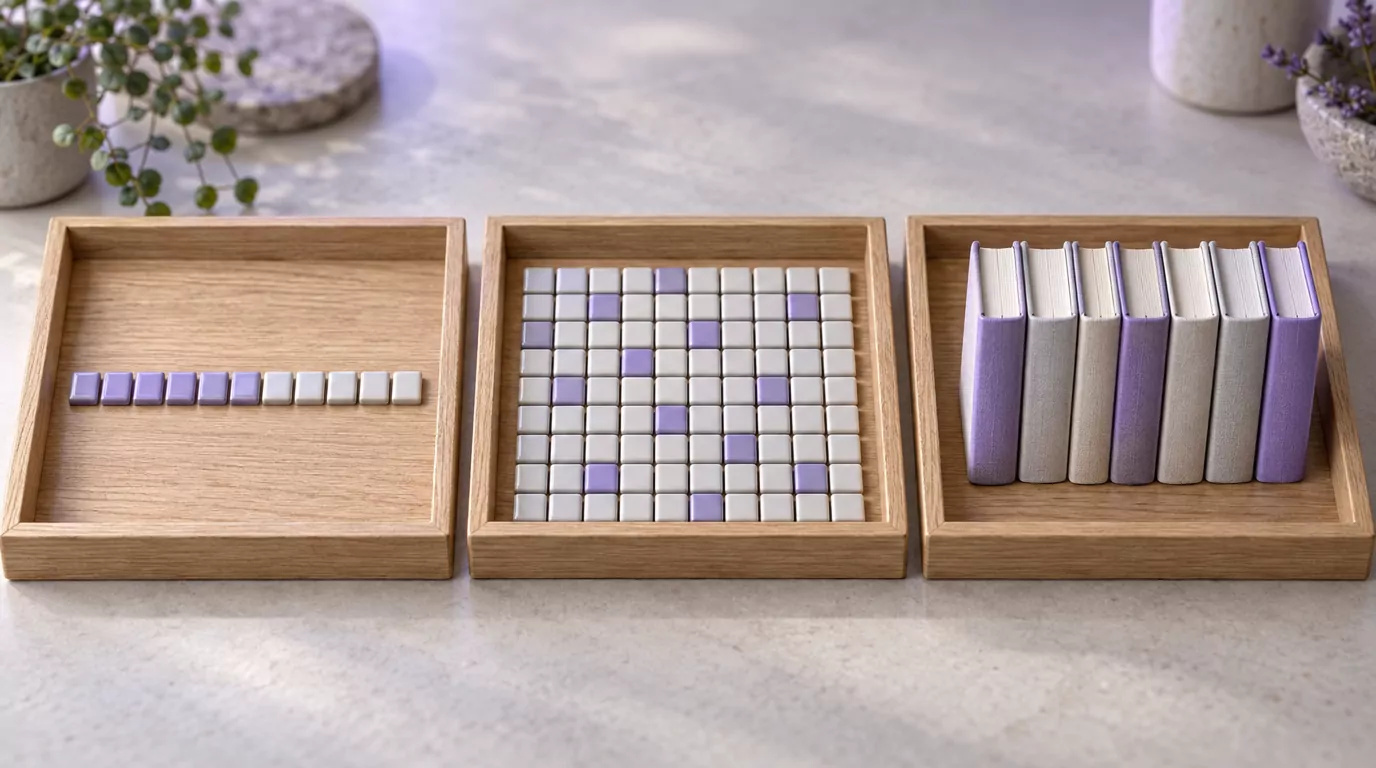
A Simple 66-Book Bible Reading Checklist
This Bible book checklist follows that 66-book list; Catholic and Orthodox readers can add rows for the additional books in their Bible. Tick the empty Done cell as you finish each book.
Old Testament (39 books)
| Book | Chapters | Done |
|---|---|---|
| Law (Genesis to Deuteronomy) | ||
| Genesis | 50 | |
| Exodus | 40 | |
| Leviticus | 27 | |
| Numbers | 36 | |
| Deuteronomy | 34 | |
| History (Joshua to Esther) | ||
| Joshua | 24 | |
| Judges | 21 | |
| Ruth | 4 | |
| 1 Samuel | 31 | |
| 2 Samuel | 24 | |
| 1 Kings | 22 | |
| 2 Kings | 25 | |
| 1 Chronicles | 29 | |
| 2 Chronicles | 36 | |
| Ezra | 10 | |
| Nehemiah | 13 | |
| Esther | 10 | |
| Poetry and Wisdom (Job to Song of Solomon) | ||
| Job | 42 | |
| Psalms | 150 | |
| Proverbs | 31 | |
| Ecclesiastes | 12 | |
| Song of Solomon | 8 | |
| Major Prophets (Isaiah to Daniel) | ||
| Isaiah | 66 | |
| Jeremiah | 52 | |
| Lamentations | 5 | |
| Ezekiel | 48 | |
| Daniel | 12 | |
| Minor Prophets (Hosea to Malachi) | ||
| Hosea | 14 | |
| Joel | 3 | |
| Amos | 9 | |
| Obadiah | 1 | |
| Jonah | 4 | |
| Micah | 7 | |
| Nahum | 3 | |
| Habakkuk | 3 | |
| Zephaniah | 3 | |
| Haggai | 2 | |
| Zechariah | 14 | |
| Malachi | 4 | |
New Testament (27 books)
| Book | Chapters | Done |
|---|---|---|
| Gospels | ||
| Matthew | 28 | |
| Mark | 16 | |
| Luke | 24 | |
| John | 21 | |
| Acts | ||
| Acts | 28 | |
| Letters (Romans to Philemon) | ||
| Romans | 16 | |
| 1 Corinthians | 16 | |
| 2 Corinthians | 13 | |
| Galatians | 6 | |
| Ephesians | 6 | |
| Philippians | 4 | |
| Colossians | 4 | |
| 1 Thessalonians | 5 | |
| 2 Thessalonians | 3 | |
| 1 Timothy | 6 | |
| 2 Timothy | 4 | |
| Titus | 3 | |
| Philemon | 1 | |
| Letters (Hebrews to Jude) | ||
| Hebrews | 13 | |
| James | 5 | |
| 1 Peter | 5 | |
| 2 Peter | 3 | |
| 1 John | 5 | |
| 2 John | 1 | |
| 3 John | 1 | |
| Jude | 1 | |
| Revelation | ||
| Revelation | 22 | |
For chapter totals by section, see the chapter guide above; for the books of the Bible in order, see the site's list.
Print tip: the checklist prints with the rest of this article, so in your browser's print dialog, choose only the pages that hold the two tables. Chrome's print dialog can also save those pages as a PDF.
For a ready-made schedule with checkboxes (some call it a Bible reading chart), the printable Classic 365 schedule prints on its own.
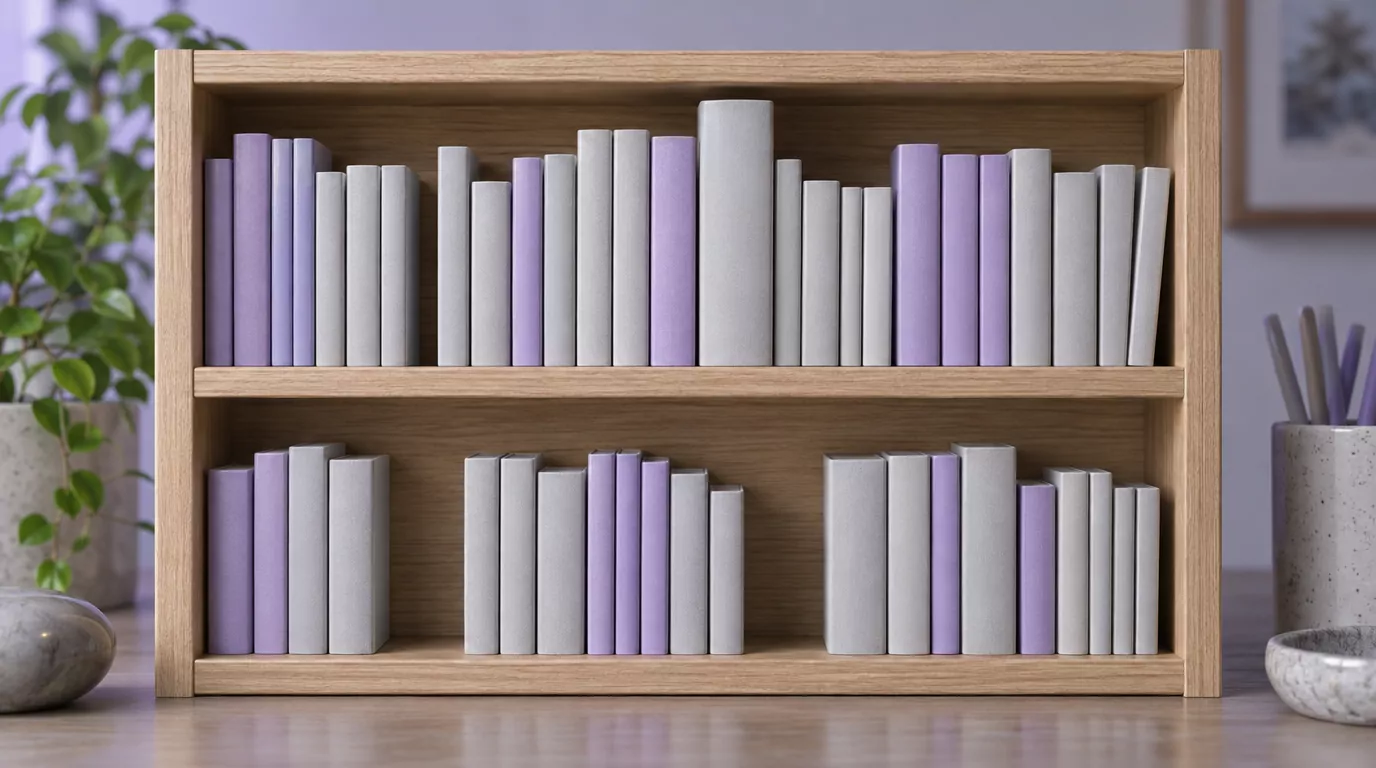
Paper, Spreadsheet or App: Choosing a Bible Reading Tracker
Pick the format you will actually open.
Paper, a Journal or Your Bible's Margins
- A printed checklist kept inside your Bible's cover.
- A notebook log: the date, the passage and one line. A Bible reading log doubles as a simple journal.
- Your Bible's margins: write the date beside a chapter heading when you finish it. See this guide to marking up your Bible.
For fuller notes, see these ideas for keeping Bible study notes.
A Spreadsheet You Build Yourself
A Google Sheets log makes a flexible Bible tracker. Use five columns: Book, Chapter, Date, Done and Note, so A is Book, B is Chapter, C is Date and D is Done.
For a Bible chapters checklist, use one row per chapter below the header row, which fills rows 2 to 1190. Then select D2:D1190 and insert checkboxes from the Insert menu, so the header stays plain text.
An example formula: with checkboxes in D2:D1190, =COUNTIF(D2:D1190,TRUE)/1189 formatted as a percentage shows how much of the Bible is marked.
A Reading Plan That Tracks for You
Many reading plans, apps and web readers mark progress for you, so the plan and the tracker are the same thing. You read the day, mark it done, and the plan keeps your place.
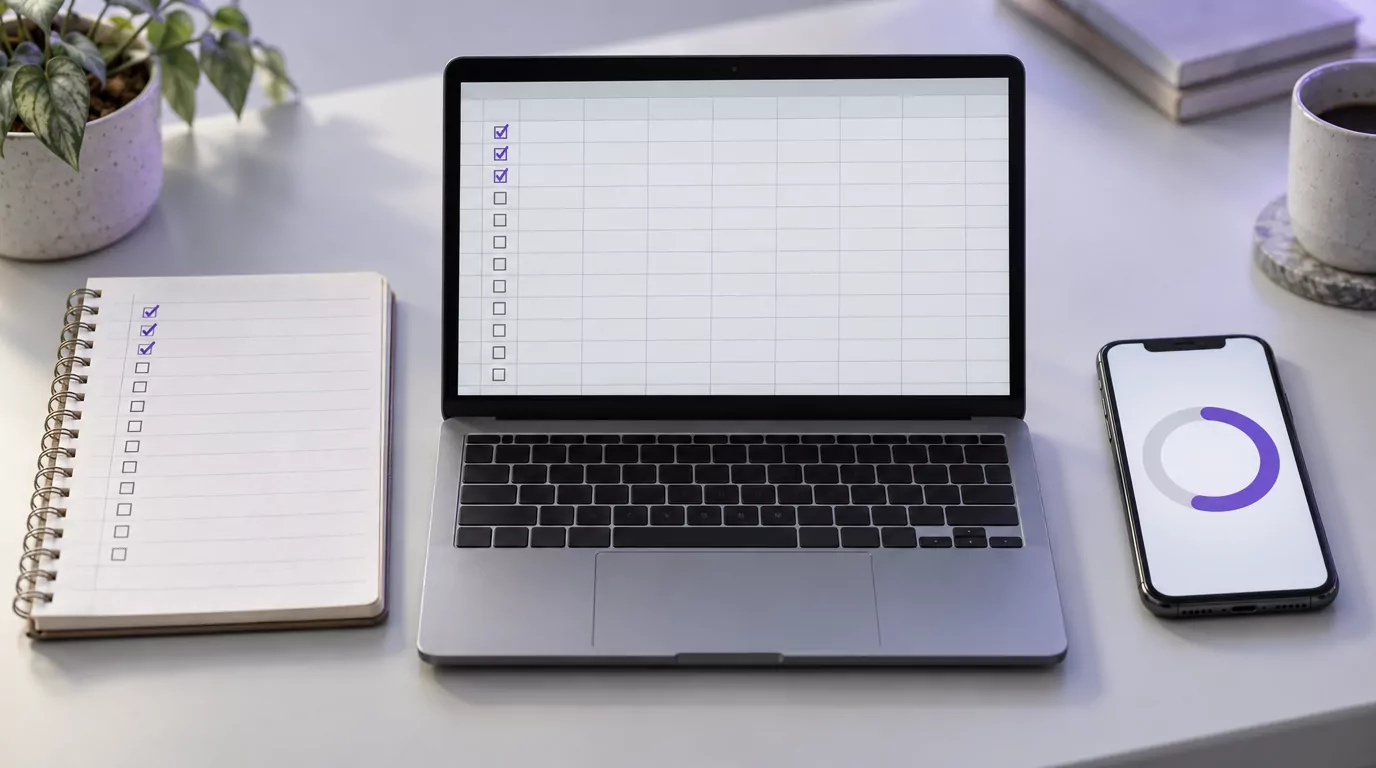
How Tracking Works in BibleMate
BibleMate is one example, on the web, iPhone and Android.
On the Free Web Reader
The free web reader needs no account and has no ads. Its eight plans each keep their own progress, and "Continue reading" opens the first unfinished day of the selected plan.
The Classic 365-Day grid shows every day of that plan, from Day 1 on. A finished plan shows as complete and does not restart on its own.
The reading calendar puts the selected plan on dates, starting from your first completed day, and a banner offers catch-up when you fall behind.
Progress is saved in this browser only, so a different browser or device starts fresh, and clearing this browser's data for the site clears it too. A paper checklist makes a good backup if you switch devices.
Each plan also shows a streak in the floating progress bubble ("Streak" and "Best") and in a "Reading streak" card on the calendar. One missed day is forgiven; two in a row reset it to 1. It is a small encouragement, never the goal.
In the iPhone App
The Progress tab shows chapters read, a day streak with no grace day, percent complete and an activity calendar. The Android app may differ.
The apps are free to download with optional in-app purchases, but only Day 1 is readable without a purchase. From Day 2, a BibleMate Pro subscription or purchase unlocks continuing every plan, progress and streaks, saved verses and offline reading.
Switching plans restarts at Day 1 and keeps your reading history.
When Your Tracker Shows a Gap
Every tracker shows a gap sooner or later. It is a place on the map, not a verdict.
- Do not backfill or cross out dates. Mark the next reading you actually do.
- Pick up at the next unread day, chapter or book. If you track by date, consider switching to day numbers.
- Let the plan help. On the BibleMate web reader, "Continue reading" opens the first unfinished day, and the calendar's banner offers catch-up. Two plans include catch-up days with no new chapters: the 90-Day Bible Challenge has 5, and the Chronological Bible Plan has 67.
Lamentations is a set of poems of grief over the fall of Jerusalem. In chapter 3, the speaker describes deep affliction (3:1-20), then turns toward hope in the middle of the lament, calling to mind God's faithful love (3:21-24):
"The Lord's faithful love does not cease; his compassion does not fail. They are new every morning; great is your faithfulness."
A reflection, not part of the text: the poet speaks of God's steady love in grief, not of reading plans. Still, a new morning can be a gentle prompt to begin again, since your next reading matters more than the day you missed.
For more, see these tips for consistency and the falling-behind section of this Bible reading challenge guide.
Start Tracking Today
Pick one method and mark today's reading as soon as you finish it.
BibleMate is on the App Store for iPhone and on Google Play for Android, free to download with optional in-app purchases. Prefer your browser? The free web reader needs no account.
In the app, only Day 1 is open without BibleMate Pro, so the free way to track a whole plan is the web reader. Begin when you are ready, one day at a time.
Frequently Asked Questions
Is there an app to track Bible reading?
Yes. Dedicated Bible tracker apps and reading-plan apps both track progress. BibleMate's iPhone app has a Progress tab but needs BibleMate Pro past Day 1; the free BibleMate web reader tracks each plan with no account.
Is there a free Bible reading tracker?
Yes. The checklist on this page is free to print, and a notebook works too. The BibleMate web reader is free, needs no account and saves each plan's progress in your browser.
Can I print a Bible reading tracker or save it as a PDF?
Yes. Print this page and choose only the checklist pages, or print the Classic 365 schedule from the site's print page. Chrome's print dialog offers "Save as PDF"; there is no separate download.
Can I track my Bible reading in Google Sheets?
Yes: one row per chapter or per day, a checkbox column and the formula above. The formula assumes one row per chapter, so for a day-by-day log, divide by the number of days in the plan instead.
How do I keep a daily Bible reading tracker?
Track by day number within a plan, not by date, and mark each day right after you read. If you read in your own order, use a chapter or book checklist. After a gap, mark the next reading you actually do.